PoE2 Reset Skill Tree: How to Refund Passive Points Safely
If you searched for a PoE2 reset skill tree because a route no longer fits, start with the small answer: use the current in-game refund flow for character passives, remove points from the end of the branch first, and check the gold total before confirming. The exact NPC label, unlock step, and price can change with a patch, so this guide focuses on a repeatable decision process rather than a stale cost table.
Checked on August 15, 2026 against the repository's 0.5 tree data, Similarweb keyword tabs, official Path of Exile sources, the GGG skill-tree export, and PoE2DB. Costs and UI labels remain patch-sensitive.
Quick answer: the PoE2 reset skill tree flow is a character passive refund, not a new build import
A PoE2 reset skill tree request usually means that one or more ordinary character passives need to be refunded so the route can be rebuilt. It does not mean deleting the character, changing the class start, or automatically rebuilding a complete endgame build. Treat the action as a controlled respec: identify the nodes that are wrong, remove them in a legal order, then spend the returned points on a route you have already checked.
The common current flow is to use the in-game respec option associated with The Hooded One after the relevant early-story unlock. If the option or NPC is not visible, do not trust an old screenshot: finish the current story requirement, return to the settlement interface, and inspect the available dialogue again. The name, location, and unlock wording are more likely to change than the basic idea that refunding costs gold.
This site can help you plan the replacement route, count travel nodes, compare class starting areas, and record what changed. It cannot apply a refund to your character or guarantee a live cost. Use the game client for the final confirmation, then use the planner to audit the new path before spending every returned point.
How to unlock and find the character passive refund flow
The refund option is progression-gated in the early game rather than being a menu that appears on a brand-new character. The exact quest and settlement presentation should be checked in the current client. Once the relevant story step is complete, speak with the respec NPC and look for the option that refers to refunding or changing passive skills. Do not confuse that dialogue with item identification or an Ascendancy service.
Before opening the refund screen, make a short list of the points you intend to remove. Include the node name, the reason it no longer fits, and the replacement branch. This prevents the most common respec mistake: paying to remove a route and then spending the returned points without knowing whether the new branch has enough defense, attributes, recovery, or travel budget.
If an old guide says the option should be available but your character cannot see it, record the patch, character level, completed story step, and settlement you checked. This is more useful than repeatedly clicking the same NPC. The page intentionally avoids a fixed unlock quest name so a future campaign revision does not turn a correct workflow into a misleading instruction.
Refund one passive, a branch, or most of the tree
A single-point refund is appropriate when one notable, attribute node, or travel choice was wrong. Refund the outer node first and confirm that the remaining allocated nodes stay connected. If the game blocks a refund, the node behind it is usually still supporting another allocated node; move outward from the end of the branch instead of forcing the middle node out first.
A branch refund is useful when a build changed damage type, weapon, defense layer, or leveling plan. Count the total returned points and the total gold before confirming. A branch that looks short on the tree can include several attribute and travel nodes, so the cost of fixing it is not the same as the cost of changing one named passive.
For a near-total rebuild, pause before assuming there is a one-click full reset. The current interface and patch notes should answer whether a bulk action exists; otherwise refund the route in legal tail-first groups and keep a copy of the old plan. A staged respec makes it easier to stop when the new tree needs a different item, support gem, or attribute threshold.
Refund target
What changes
Check before confirming
Best next step
One passive
Returns one ordinary character passive point.
The remaining route stays connected and the replacement node is known.
Use a small tail-first refund.
One branch
Returns travel, attribute, notable, and socket points in that branch.
Gold total, defensive gap, item attributes, and the next connection.
Test the branch at several point budgets.
Most of the tree
Rebuilds the character route over several refund groups.
Whether a bulk action exists in the current patch; otherwise keep the old route.
Refund legal outer groups and reallocate gradually.
Atlas or Ascendancy
Changes a different passive system or specialization budget.
Separate rules, unlocks, trials, and interfaces.
Open the matching Atlas or Ascendancy guide.
Gold cost, confirmation checks, and what the refund does not change
Gold is the practical constraint behind a PoE2 passive respec. Do not publish or rely on a universal table of costs: the amount can depend on the current game rules, character progression, and the number of points being changed. Read the total shown by the live interface, keep a buffer for the replacement route, and avoid confirming a long refund when you have not yet checked the destination branch.
Refunding a passive returns the point for allocation; it does not automatically repair your gear, change your skills, recalculate hidden mechanics, move your class starting point, or complete a new Ascendancy Trial. If the old route supplied attributes for an item or enabled a damage conversion, verify those dependencies before removing it. A legal passive tree can still be a bad build when its equipment assumptions no longer hold.
For a patch-sensitive answer, separate facts from checks. The fact is that the live game controls the available refund action and price. The check is whether your new path still has enough defense, recovery, attributes, damage, and connection from the class start. The planner is useful for the second question, not a replacement for the first.
Character passive tree vs Atlas tree vs Ascendancy points
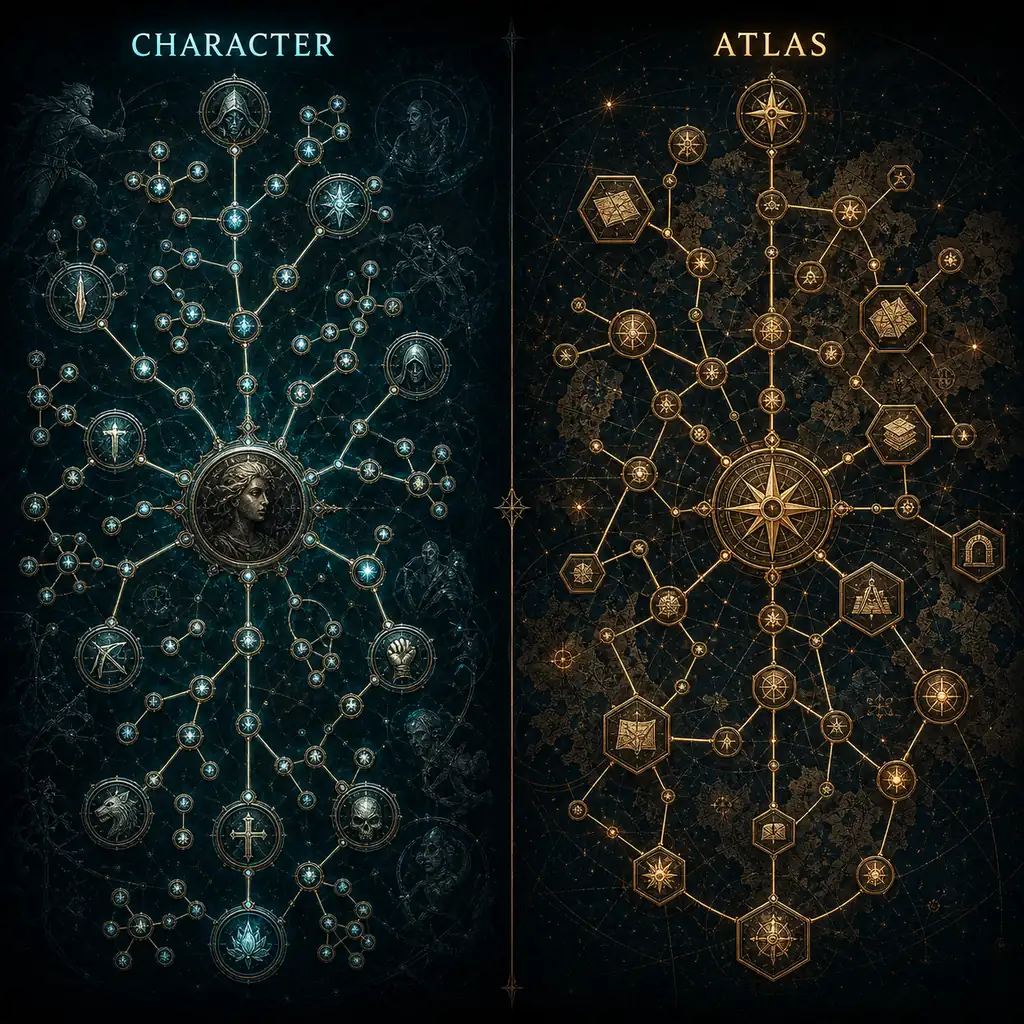
The character passive tree is the normal node graph chosen from your class starting area. This is the scope of the PoE2 reset skill tree guide. Atlas passives belong to the map-progression system and should be checked in the separate Atlas tree guide. They may have their own refund UI, timing, and cost rules; do not apply the character-tree instructions to an Atlas node just because both systems use the word passive.
Ascendancy points are also separate. Changing an Ascendancy can require a trial or other current condition, refunding the allocated Ascendancy nodes, and then reviewing the new specialization route. The normal character tree remains a different budget. Use the change-Ascendancy guide when the actual goal is switching Infernalist, Blood Mage, Oracle, or another specialization rather than correcting ordinary passives.
This boundary matters for search and for gameplay. Queries such as `how to refund Atlas points PoE2`, `how to change Ascendancy PoE2`, and `how to reset passive skill tree PoE2` sound similar but lead to different menus and different risks. Pick the system first, then follow the matching guide.
Editorial concept illustration: character passives and Atlas passives are separate systems with separate checks.
A safe PoE2 passive respec workflow with the planner
Start by opening the current 0.5 planner and selecting the same class and Ascendancy as the character. Search the node you plan to keep, the node you plan to remove, and the first replacement notable. The goal is not to copy a finished build; it is to make the new route legal and readable before you spend gold in game.
Next, save the old route as a reference and mark the refund boundary. Count allocated nodes from the class start to the branch, including small travel nodes, attributes, jewel sockets, and any weapon-set allocation. If the replacement route crosses another part of the tree, compare the extra points at 10, 20, and 30 points instead of judging only the final screenshot.
Then test dependencies. Ask whether the new route still supports the current skill, weapon, item requirements, resource loop, recovery layer, and defensive threshold. A route that saves four points but drops the attribute needed by the main weapon is not a successful reset. Write a short note beside each important node so the exported plan explains why the point was spent.
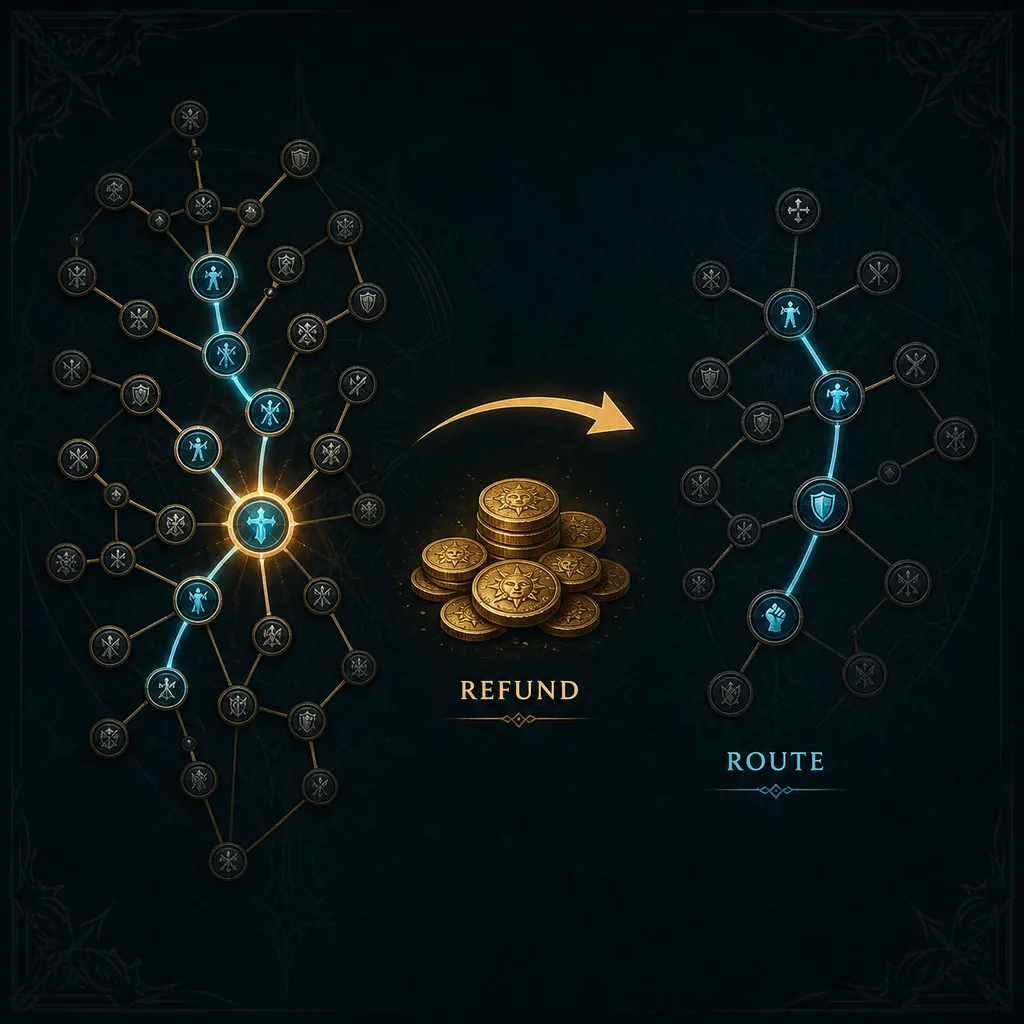
Only after the route is clear should you refund in game. Confirm the gold total, remove outer nodes first, recheck the live tree after each group, and allocate the replacement branch in small batches. Finish by exporting or recording the new route and the patch context. This turns a panic respec into a reversible planning decision.
Editorial concept diagram: remove a legal branch, check the live gold total, then build the replacement route.
Select the same class and Ascendancy in the planner.
Save the old route and mark the exact refund boundary.
Count travel, attributes, sockets, defenses, and weapon-set points.
Check the live gold total and refund outer nodes in small groups.
Reallocate, test dependencies, then export notes with the patch context.
Three practical reset examples
Wrong notable: you took a named damage node because it was close, then discovered that its mechanic does not affect your skill. Search the node in the planner, identify the travel nodes that become unnecessary, and refund the outer tail first. Keep the defensive and attribute nodes that still support the character unless the new route has replacements for them.
Old build after a patch: a saved route from an earlier tree no longer matches a moved or renamed connector. Load the old idea as a reference, compare it with the 0.5 changes page, and rebuild the shortest legal connection from the current class start. Do not refund every point just because one cluster moved; measure the smallest change that restores the build's purpose.
Leveling to endgame: a campaign route may prioritize early damage and attributes, while an endgame route can afford a longer defensive or specialization branch. Plan the destination first, calculate the refund cost in the live client, and change only when the character has the gold, gear, and replacement nodes needed to survive the transition.
Common PoE2 reset mistakes to avoid
The first mistake is searching for a full-reset button and treating the result as a build recommendation. A reset only gives you a chance to spend points differently. The second is refunding a middle node before the tail, which can make the tree invalid or block the interface. The third is using a fixed cost table from an old patch when the game already shows a different total.
The fourth is mixing systems: character passives, Atlas passives, Ascendancy points, and weapon-set points have different jobs. The fifth is checking only damage. Before confirming, inspect defense, recovery, attributes, equipment, travel cost, and the next ten points. If the new plan needs a different item or support gem, label it as a later target rather than pretending the reset is complete.
For the normal character passive tree, use the current in-game refund flow after its story unlock, check the gold total, refund legal outer nodes, and spend the returned points on a route you have checked. The exact NPC wording and price can change after a patch.
Can I refund all passives in PoE2 at once?
Do not assume a one-click full reset exists. Check the current interface first. If the patch offers no bulk action, refund the route in connected tail-first groups and keep the old plan until the new route works.
How much gold does a PoE2 passive respec cost?
Use the price shown by the current game client. A universal number can become stale because refund rules and progression change. Keep a buffer for the replacement route and confirm the total before accepting.
Can I reset Atlas passives with the character passive-tree method?
No. Atlas passives are a separate system. Use the Atlas tree guide and the current Atlas interface instead of assuming the character-tree refund flow applies.
Does resetting passives change my class or Ascendancy?
No. It returns ordinary character passive points. Class starting areas and Ascendancy points are separate decisions; use the Ascendancy change guide when the goal is a specialization swap.
Why can I not refund a passive in the middle of my route?
A node behind it may still depend on that connection. Refund the outer tail first, preserve the remaining connected path, and try again. If the game still blocks the action, inspect the current tree and patch rules rather than forcing an old route.
Should I reset my tree after a PoE2 patch?
Only when the current route no longer works or a new route is ready. Compare the 0.5 tree changes, test travel and defensive dependencies in the planner, and use the live client to confirm the cost before changing points.
Can the PoE2 planner refund points for me?
No. The planner is a route-planning and note-taking tool. It can search nodes, count paths, compare class starts, and help you prepare an export, but the game client performs the actual refund.
Sources and verification
This is an independent fan-made planning guide. The live game client and current official materials take priority over this page when a patch changes an NPC label, unlock condition, price, or passive-tree rule.